Showing posts with label technology. Show all posts

Monday, July 20, 2015

Apps & Ideas to Engage Your Students

There are so many apps available for the Ipad that it can be very hard to determine which apps could be useful in the classroom setting. Below I have listed a few of the apps I have found useful in my own practice and the ways that they have been utilized in the classroom so far. The idea behind the use of each of these apps is to help guide students through their own learning process. I will also mention some features that are readily available on the Ipad that can be used to promote critical thinking and engagement in various ways.

Apps/Ideas for Reading Comprehension:

1. Using the video function on the Ipad for short productions, assignment explanations, process journals, etc.
Having students document their process visually and verbally can be a powerful experience. Students can then play back the video or share their video with the class in order to reflect and get feedback. You could also run a quick fire or short, timed lesson where students are challenged to create a video representation of something as a bell work activity at the beginning of the lesson.

Below is a short video showing a quick fire bell work session where 9th graders were given 3 minutes to come up with an interpretive dance about the action in chapter 7 of Lord of the Flies by William Golding.

The students were then asked to identify the scene that had just been performed for them and there was a discussion on why they chose to represent that specific scene. This then led into the detailed class discussion about the chapter and the significance of the action. 

ACTFL Standard met: Presentational Communication: Learners present information, concepts, and ideas to inform, explain, persuade, and narrate on a variety of topics using appropriate media and adapting to various audiences of listeners, readers, or viewers.

2. 
Chaperon Rouge de Grimm - A 3-D pop up book app that can be programmed for different languages. The company produces many different stories with the same features, not just Grimm's fairytales. 

 
ACTFL Standard Making Connections: Learners build, reinforce, and expand their knowledge of other disciplines while using the language to develop critical thinking and to solve problems creatively.


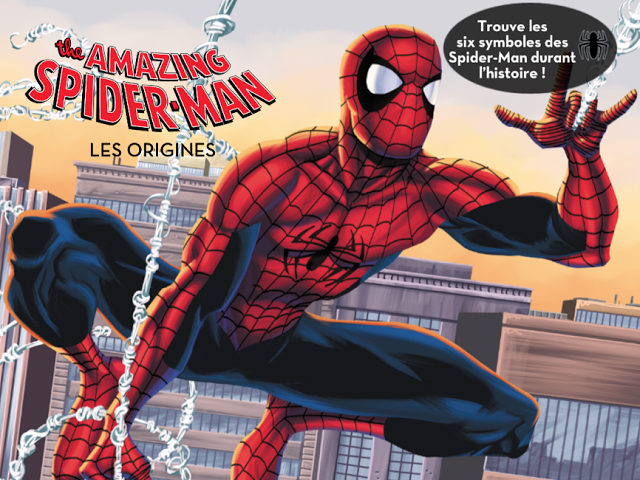
3. Marvel Reads: The Amazing Spider-man, Les Origines
Comic books available for $1.99 per story

4. Storytoys.com
This is a site with a comprehensive list of stories and apps that may be useful in your classroom.


**Have any ideas, comments, or questions about the use of Ipads and apps in your classroom? Feel free to post a comment and start a collaborative discussion.

Multimodal Literacies

How can I effectively incorporate technology into writers workshop?

I was recently at a conference in Ireland where I heard about using iPads in writers workshop and I was so excited about what I heard! Here was the information I took away and plan to use in my teaching.

The end goal for this writing unit is a multimodal literacies project, including a stop motion animation film.

Technology Tool: iPads
Teaching Content: Writer's Workshop (story telling)
Teaching Method: Modeling, Collaboration, Inquiry 

Throughout the writing unit students will:

  • Explore and learn about stop motion animation through inquiry
  • View and analyze examples of stop motion animation
  • Read, analyze, and discuss characteristics of the realistic fiction genre
  • Learn how to generate realistic fiction ideas
  • Work in a group to draft a realistic fiction story
  • Plan a stop motion animation that visualizes their story
  • Use peer feedback and collaborate to revise and edit their writing piece and animation

I look forward to trying this in my classroom because it can be modified to fit the needs of my students. I frequently use story telling to teach language skills, and incorporating technology with story telling will help reach all my students. Each student and group of students can work together to illustrate a story and use language to tell their story. As their language skills improve they can continue to modify and revise their story to include more details and descriptions.

Stay tuned to see how my lesson goes and how you can use this in your classroom! Here is the link to the presenter I got the idea from. Multimodal Literacies Presentation. Her website includes more details and information.